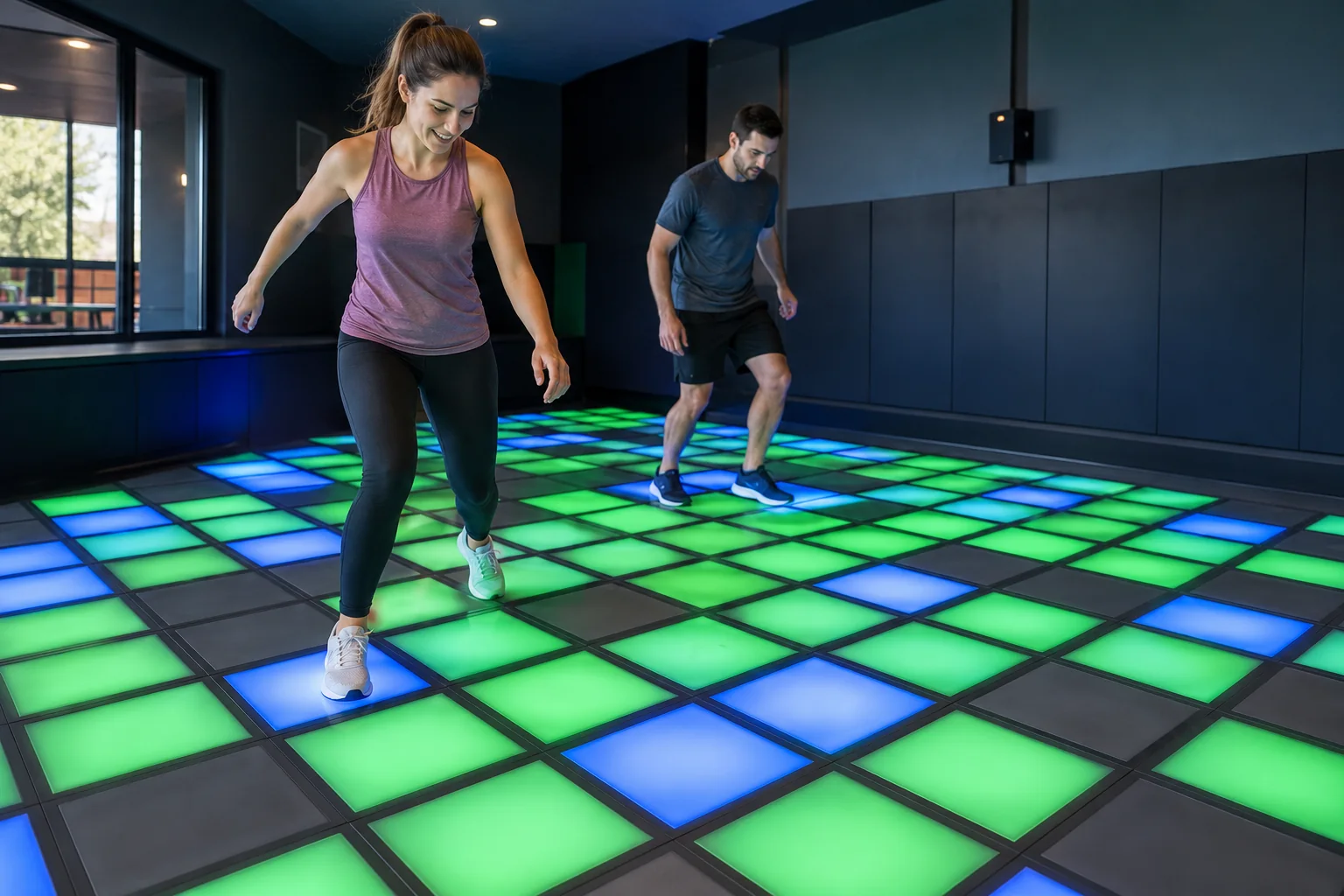
Arena involves throwing at targets; Control uses body movement as game inputs. They should not be treated as interchangeable laser or puzzle rooms.

Arena: throwing and target selection
The official Arena page describes dodgeballs and target accuracy. Its examples include Memory, where players hit matching pairs, and Hunt, where target selection follows a pattern and a wrong target costs a life. The objective depends on the selected variation, not simply throwing at anything that lights up.
Before starting, ask which targets count and how the selected game distinguishes correct from incorrect hits. Make sure teammates understand whether they are working together or competing. If a round fails, first check whether the target choice was wrong rather than immediately trying to throw faster.
Control: movement as an input
The Control catalogue describes players acting as the controls. Examples include Frequency, a colour-frequency question, and Collect, which uses directional inputs to align with tiles. Follow the instructions for the selected game rather than applying one timing rule to every variation.
Clarify what each input does in the selected game and where the relevant screen information appears. If the group is confused by a prompt, ask staff for a demonstration instead of assuming a countdown callout solves every task.
Which room should your group try?
| Preference | Preview to examine |
|---|---|
| Throwing at visual targets | Arena and its selected target game. |
| Controlling an on-screen task through movement | Control and its selected input rules. |
| A laser-based activity | Check the location’s separate room list; Arena is not described as a laser maze. |
Use the catalogue as a preview
The Oak Brook page lists both Arena and Control. National game examples explain the types of tasks but do not establish that every variation is running in the location on your date. Avoid planning a whole visit around a particular mode without confirming it.
The old beam-height measurements, crawling strategy and gate-deactivation sequence were unsupported and have been removed. For choosing a starting level, use the difficulty checks. If a type of movement is a concern, discuss it with staff before selecting the activity.
Sources checked on 10 October 2026: Arena catalogue, Control catalogue, Oak Brook room list. This independent guide uses published descriptions, not first-hand playtesting. Follow the instructions for the game and level available during your visit.